Example Project
The example project shows CrossplayCore in Blueprint: login, crossplay lobbies, search filters, ready checks, invites, friends, voice chat, matches over EOS P2P and host migration.
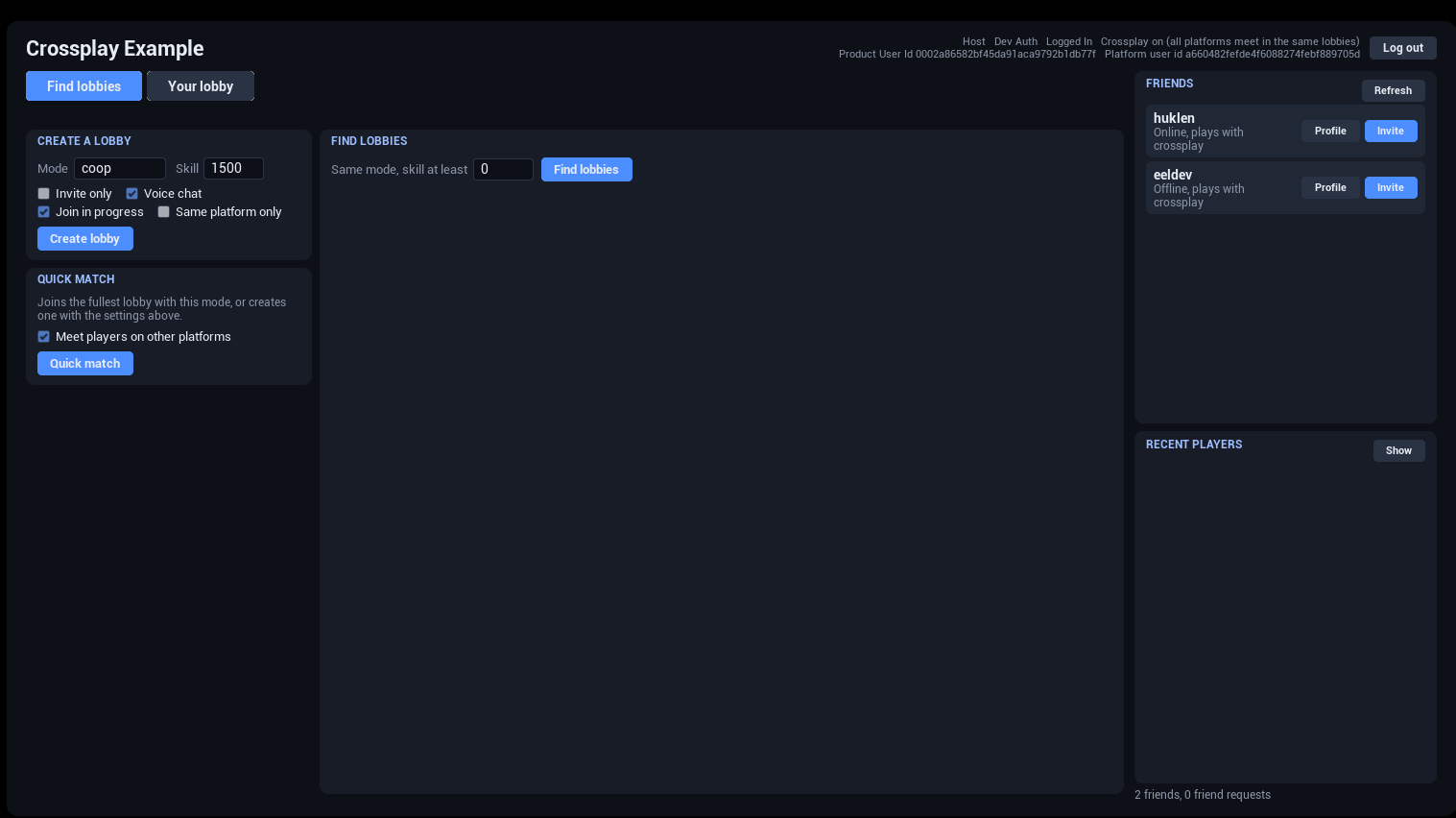
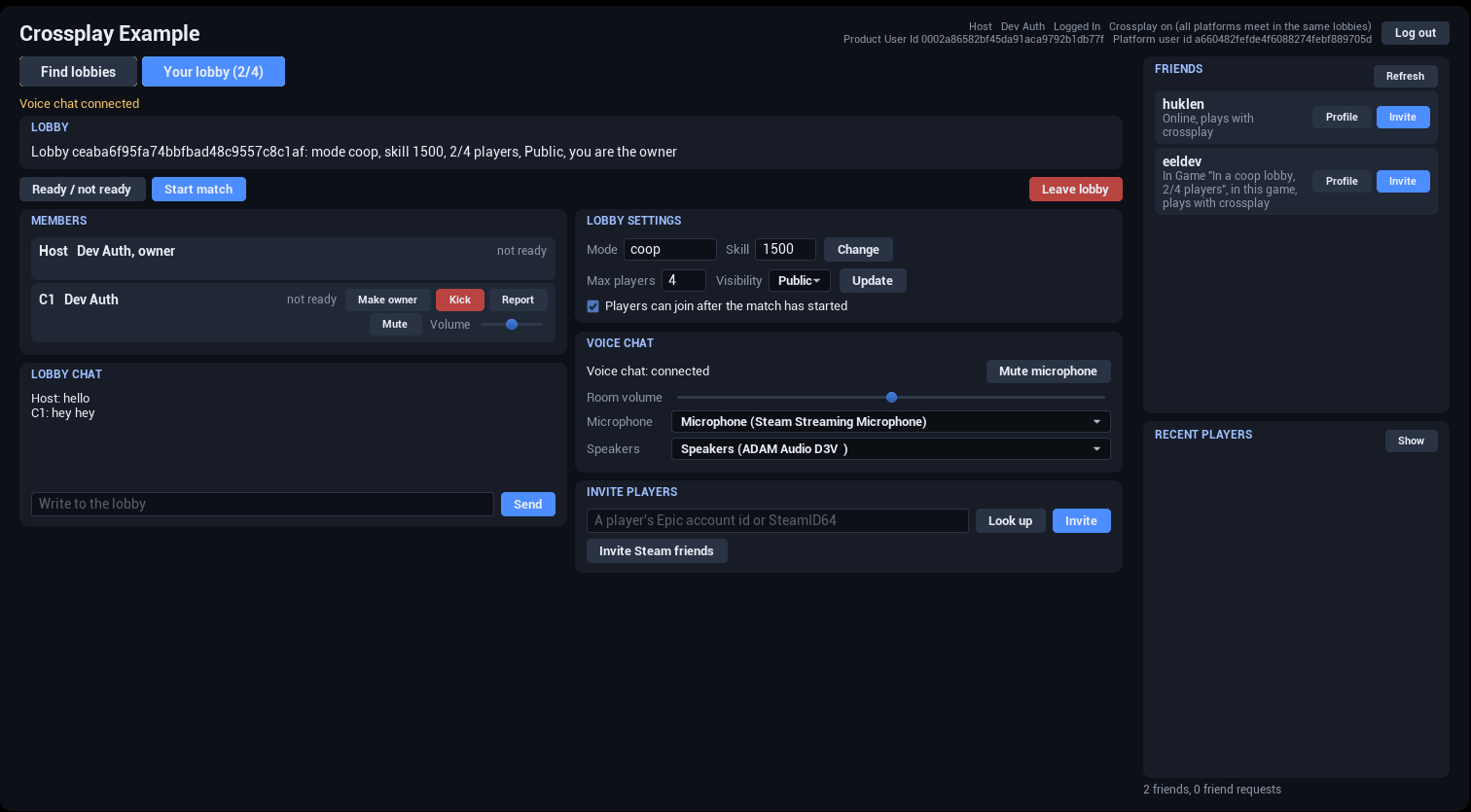
The graphs on the feature pages come from this project.
Playable build
Try the example without opening the editor. Download the packaged Windows build (about 320 MB), unzip it and run
CrossplayExample.exe:
Blueprint Example Project
You can download the project from GitHub:
The project is made with Unreal Engine 5.8 and only needs CrossplayCore. Steam runs on the engine's OnlineSubsystemSteam and SteamSockets, and the EOS platform is created by CrossplayCore.
To use it for your own game, put your own EOS keys in Project Settings → Plugins → Crossplay - Epic Online
Services (see EOS setup), and your own Steam App ID in
Config/DefaultEngine.ini. The project uses Spacewar (480), which EOS does not accept for Steam logins, see
Steam as an EOS identity provider.